
SC 01 · MCP
CineKit MCPComing soon
Direct CineKit from your AI tools. Coming soon.
IllustrativeComing soonComing soon = designed and in build; not available yet.
cinekit MCP · Projects · Canon · Runs · Team
- You: Turn scene one of my story into a 15-second film, five shots. Keep Mara and her bouquet the same in every shot.
Assistant
I will set up a project, build the Canon from your story, then plan the five shots.
- project created
- story uploaded
- Canon ready
Assistant
The Canon has Mara, her rose bouquet, the stone house by the lake and the corridor. Planning the shots and keyframes now.
- keyframes ready
- clips ready
- Canon
- shot plan
- keyframes
- previews
- video
- edit
- final cut
- files
 01
 02
 03
 04
 05
- the cut is ready
 a shot

the cut Assistant
Done. The cut is ready: five shots, one Canon.



Illustrative session.
Claude, Codex, Cline and other MCP clientsComing soon
Not a recording: tools are shown by category, not by name. The images and the clip are AI-generated frames from a CineKit run of the Merrow story.
How it works
Tap a fact to open it.
Remote MCP server
Hosted by CineKit; nothing to install.
One tool per step
Projects · Canon · Runs · Team.
Previews first
Every shot is previewed as a still before any video is made.
Your clientComing soon
Setup guides for MCP clients are coming soon.
Also coming soon
- Script to filmPaste a script; get the Canon and the shot plan.Coming soon
- PDF and long-document intakeUpload a manuscript or a brand book as is.Coming soon
- Per-shot rerenderRedo one shot; the cast stays put.Coming soon
- Keyframe downloadsTake every keyframe and plate with you.Coming soon
- Generated audioSound for the cut.Coming soon
Pricing
Pay for what you make.
Plans from $26 a month (Free coming soon) · pre-launch prices.
Private beta Plans are shown for preview while CineKit is in private beta.
More control. No Slop. Full quality.
How CineKit meters spend
-
01Canon setup, once per projectCanon = your locked cast, places and looks. Set it once; every shot reads from it.
 CharacterYummy
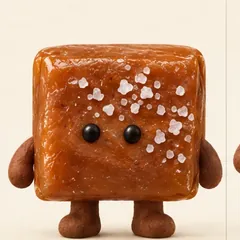 CharacterChewy
 LookGold foil wrapper
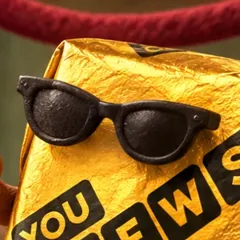 LookClay sunglasses
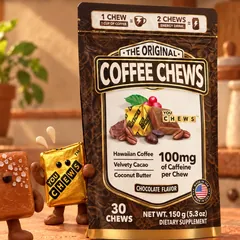 Prop30-count pouch
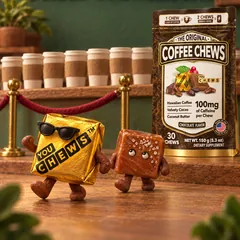 PlaceClay café
-
02Previews, priced per imageSee every shot as a still before any video runs.
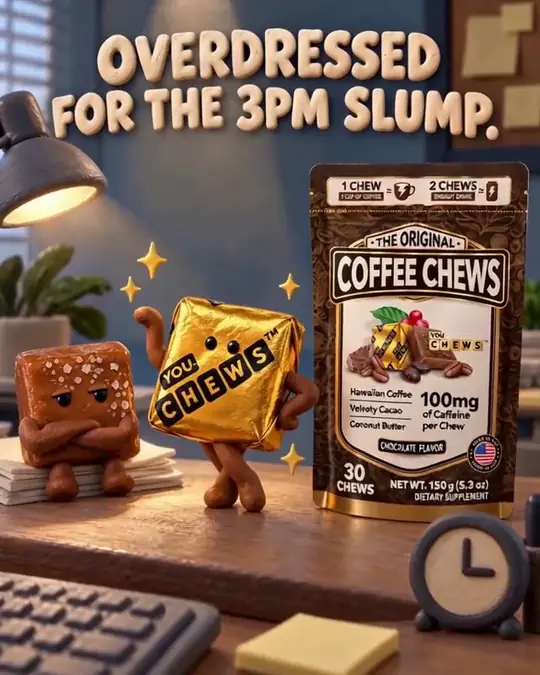 Shot 1
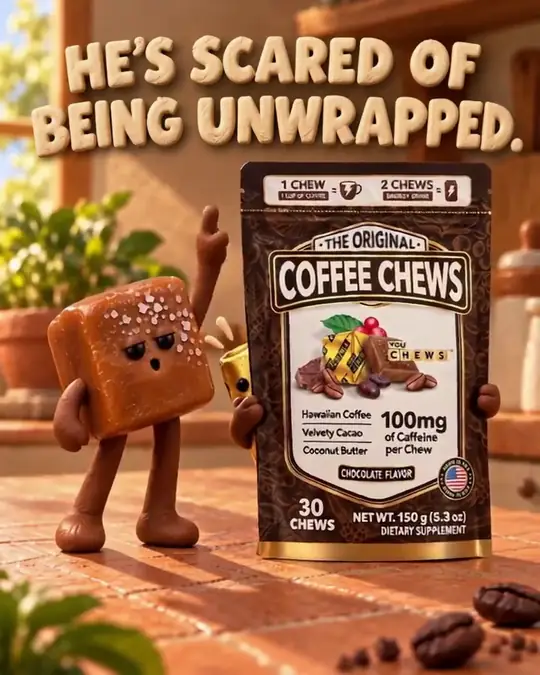 Shot 2
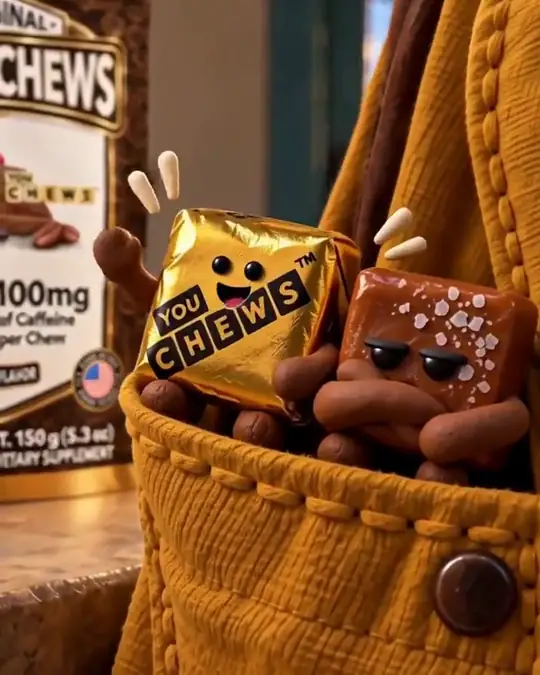 Shot 3
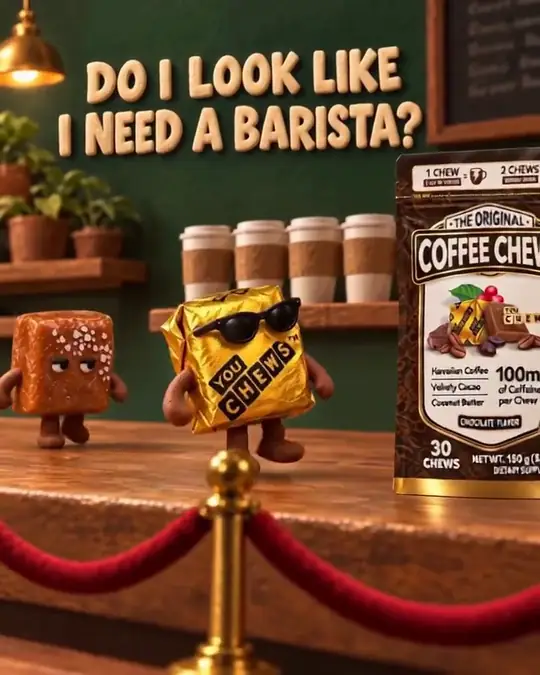 Shot 4
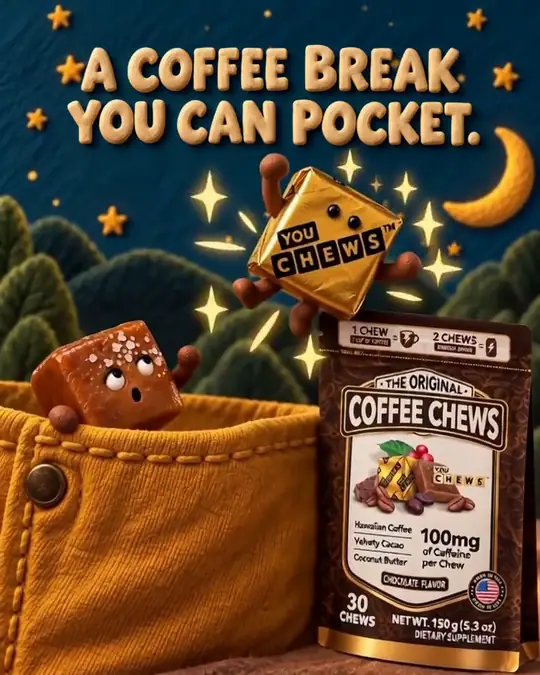 Shot 5
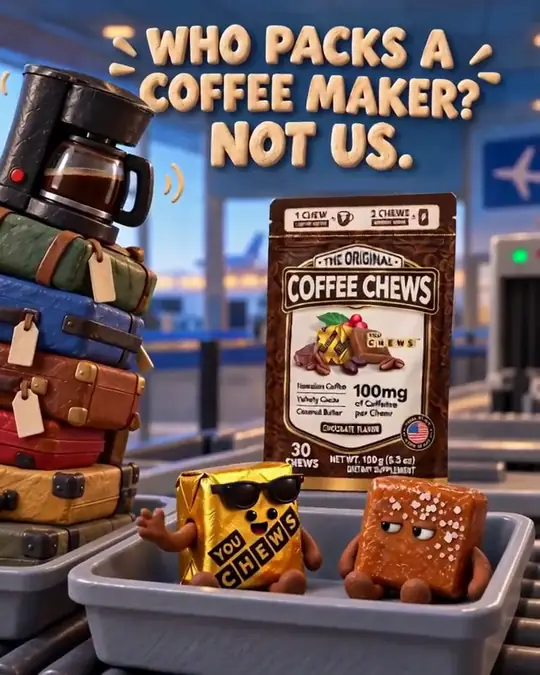 Shot 6
-
03Video from the keyframesShots become clips, then one finished cut.
Final cut · muted · AI-generated
04 Change one keyframe + its videoComing soon Illustration
Tap a preview still to redo just that shot: only its preview and its seconds of video are added.
Pull-by-pull machines re-pay the full length.
1 Continuity = characters, places and looks across shots. 2 Production = the whole story-to-film workflow vs a typical manual multi-tool workflow. Estimated versus a typical multi-tool workflow.
Continuity? We’ve got a guy.
Create an account to join the private beta. Film generation opens to beta teams first.