
SC 01 · TECHNOLOGY
AI generates.
CineKit directs.
How the cast stays in character.
Models make the clips. CineKit runs the production: cast, keyframes and continuity. Touch each exhibit to see how a story becomes a film. All imagery is AI-generated.
Five exhibits
EXHIBIT 01TAP A NAME
Your story becomes a cast.
A story names its cast once. A video tool starts every shot from a blank prompt.
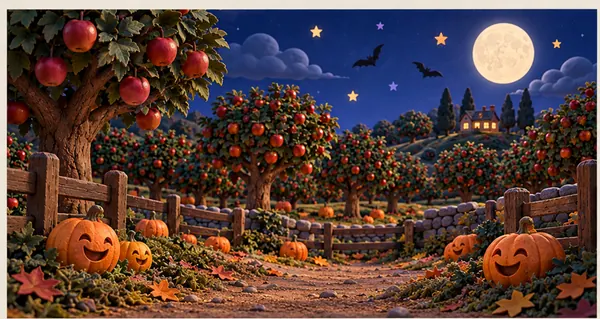
PLACE
Moonlit apple orchard
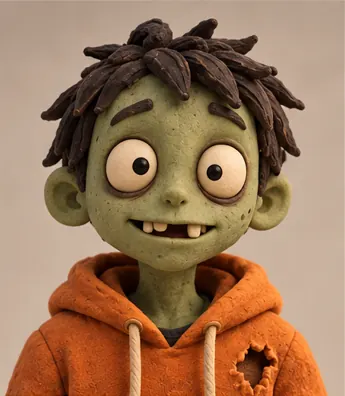
CHARACTER
Zombie
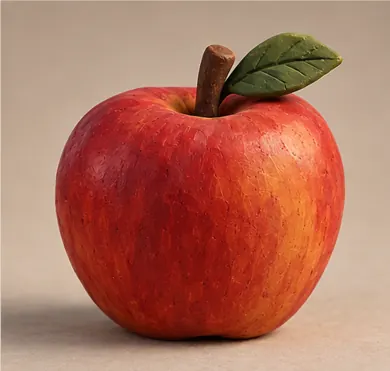
PROP
Apple
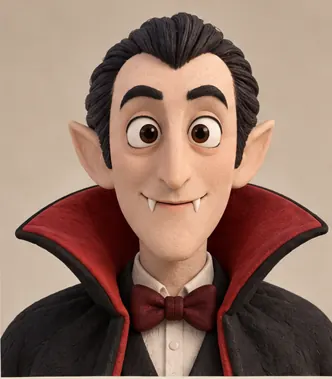
CHARACTER
Vampire
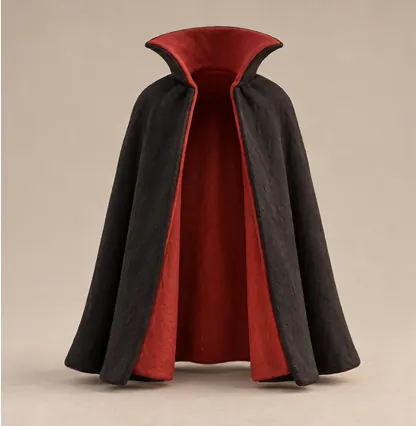
LOOK
Black cape with red lining
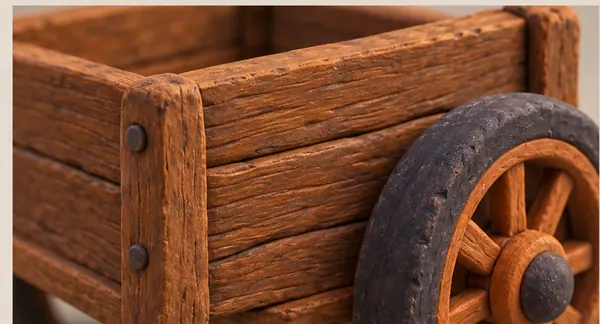
PROP
Handcart
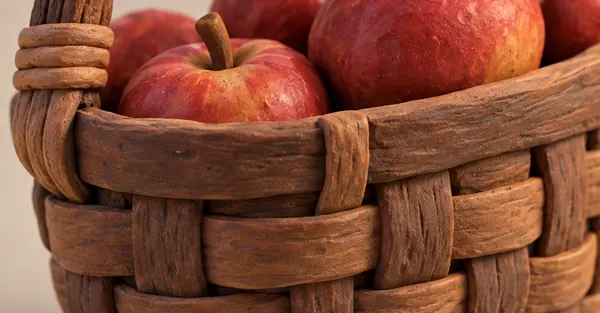
PROP
Apple basket
SCENE 1 · FROM THE STORY
In a miniature moonlit apple orchard with smiling pumpkins, the zombie stumbles after rolling apples while the vampire swoops alongside with a flapping cape. The zombie catches one, tips it into a handcart and the vampire bats two more into the basket.
CineKit read the story and made a card for Zombie. Every shot uses this card.
EXHIBIT 02WATCH IT MATCH
Your photos join the cast.
Drop your photos in. CineKit matches each one to the cast and builds the sheets.
YOUR PHOTOS · THE ACV CHEWS BRAND KIT
THE CAST CARDS · CANON SHEETS
 PropUnwrapped chew
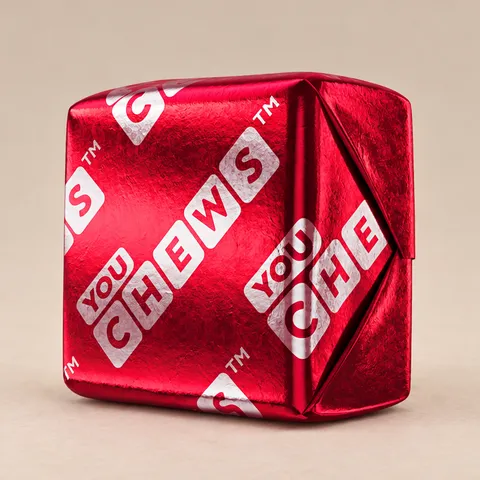 PropWrapped chew
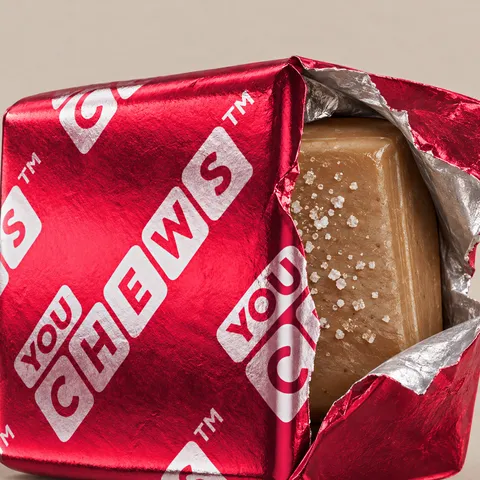 LookRed foil wrapper
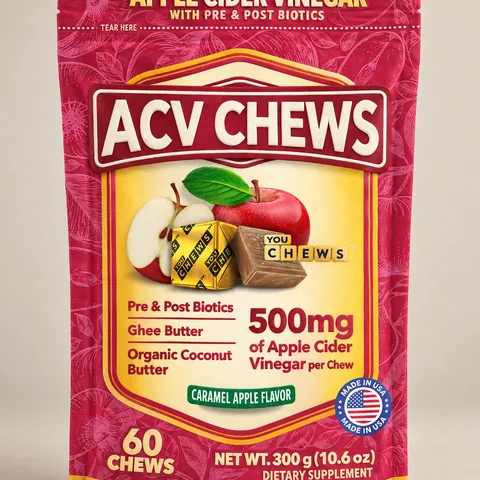 Prop60-count pouch
Each photo is matched to its cast card, and each card becomes a Canon sheet. Every shot is built from these sheets.
Upload your own photosComing soon
How do we know?
These photos are the brand kit supplied for this project; the sheets are the Canon sheets CineKit generated from them, and the clip is the last shot of the same film.
EXHIBIT 03PICK A CAST MEMBER
Follow one character through the film.
Pick a cast member, then see them in every shot.
1 · PICK A CAST MEMBER
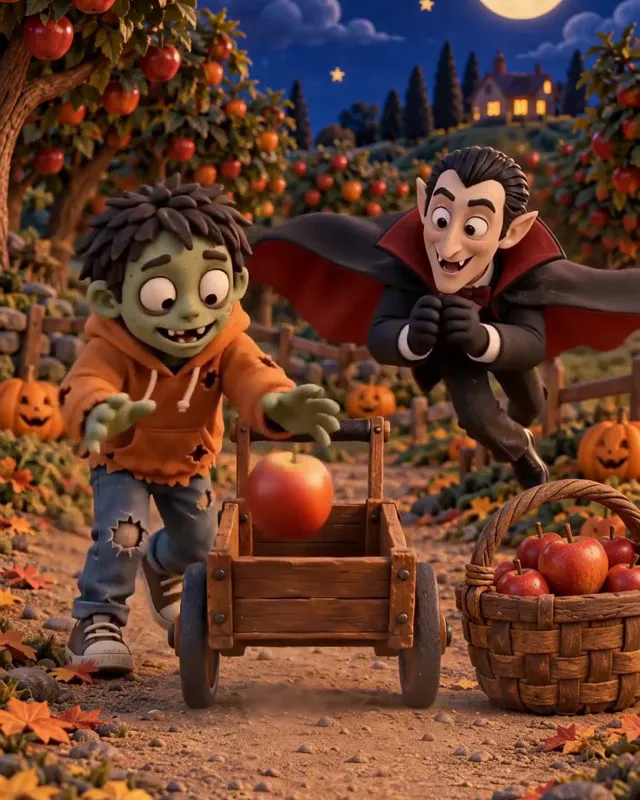
2 · SEE THEM IN EVERY SHOT · TAP A SHOT
The Zombie is in shots 1, 4 and 5. Same face, shot after shot: every shot reads the same Canon card.
UNDER THE HOODDRAG, PLAY OR TAP A KF
CineKit lets you direct every keyframe.
A second of film is 24 pictures. CineKit plans the keyframes (here 3 of the 24) and the video fills in the rest.
- 24 frames make one second.
- 3 of the 24 are keyframes.
- CineKit lets you direct every keyframe.
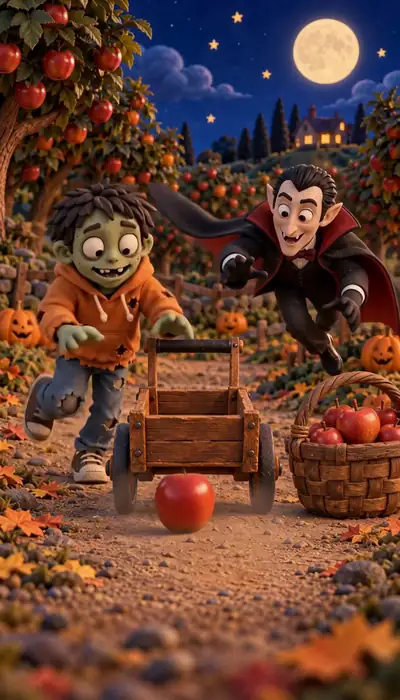
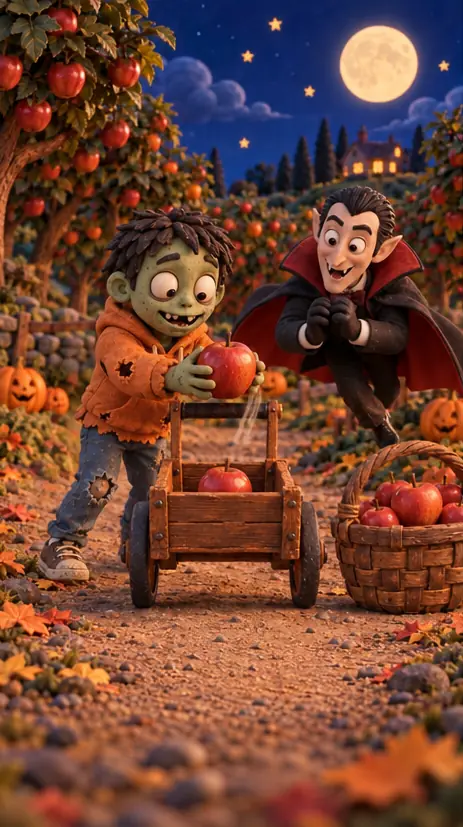 HALLOWEEN FILM · SHOT 1 · 24 FPSF 20 · KFKF
FILM FRAME
F 10–33 · 00:00:00:10–00:00:01:09 · ONE SECOND
THE 3 KEYFRAMES OF THIS SECOND · TAP ONE · INSET: THE PLANNED STILL
THE SAME CANON CAST IN EVERY KEYFRAME · TAP A NAME
Zombie is in every keyframe of this second: one Canon card, read by every keyframe.
The plan behind this film is made, and visible, before any video.
Edit a keyframeComing soon
EXHIBIT 05DRAG THE LINE · THE CLIPS PLAY IN TURN
The keyframe, then the clip.
A plan is useful when the film follows it.
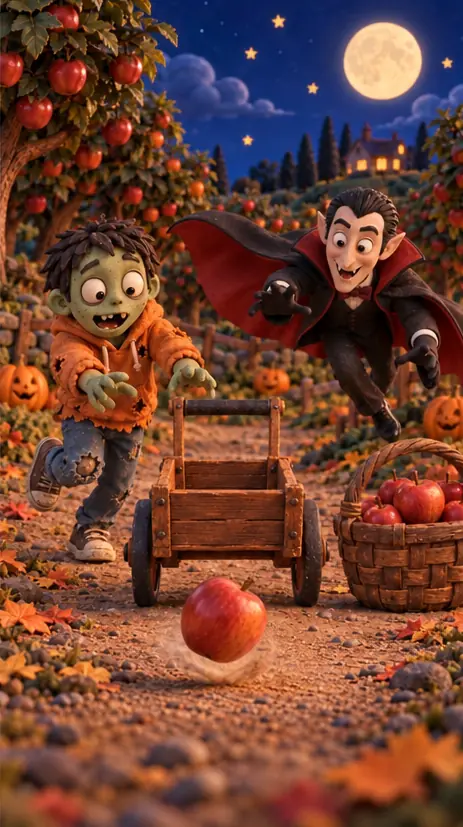
The keyframe is the plan. The video is made from it.
THE MOMENTS · PLAN | FILM
Shot 1 · F 10: The vampire swoops alongside.
All imagery is AI-generated, from a CineKit Halloween claymation. Names come from the project's Canon.
Pricing
Pay for what you make.
Plans from $26 a month (Free coming soon) · pre-launch prices.
Private beta Plans are shown for preview while CineKit is in private beta.
More control. No Slop. Full quality.
How CineKit meters spend
-
01Canon setup, once per projectCanon = your locked cast, places and looks. Set it once; every shot reads from it.
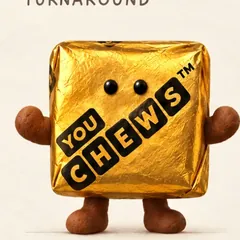 CharacterYummy
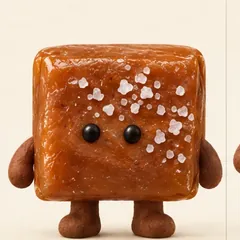 CharacterChewy
 LookGold foil wrapper
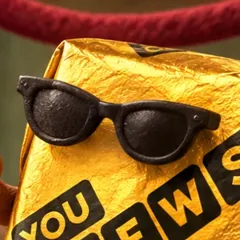 LookClay sunglasses
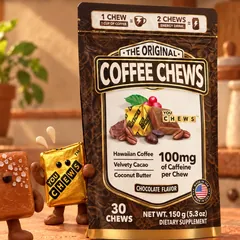 Prop30-count pouch
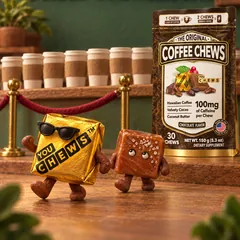 PlaceClay café
-
02Previews, priced per imageSee every shot as a still before any video runs.
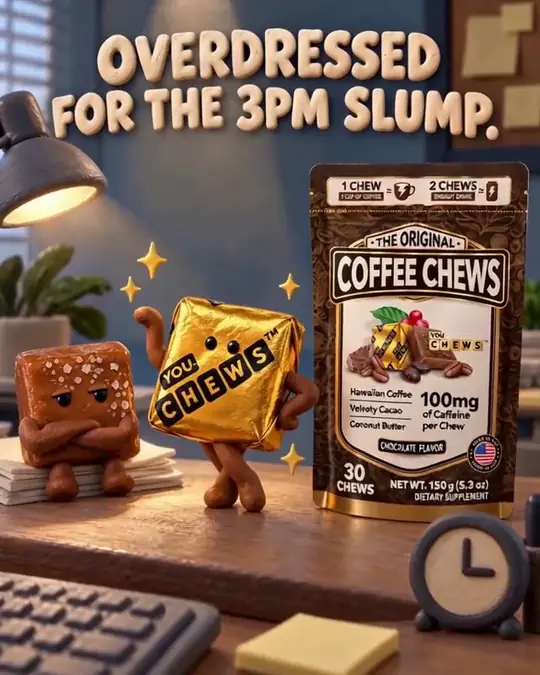 Shot 1
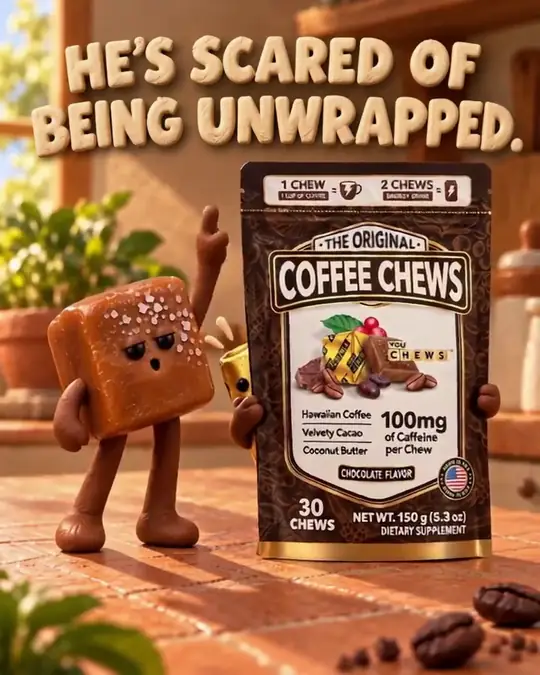 Shot 2
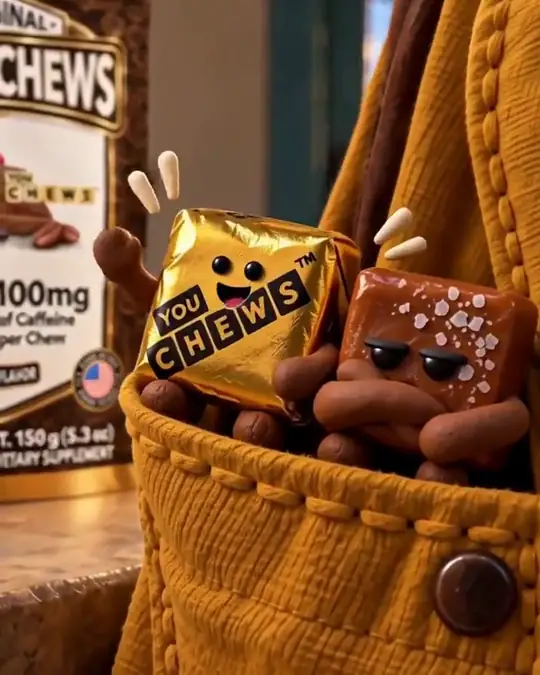 Shot 3
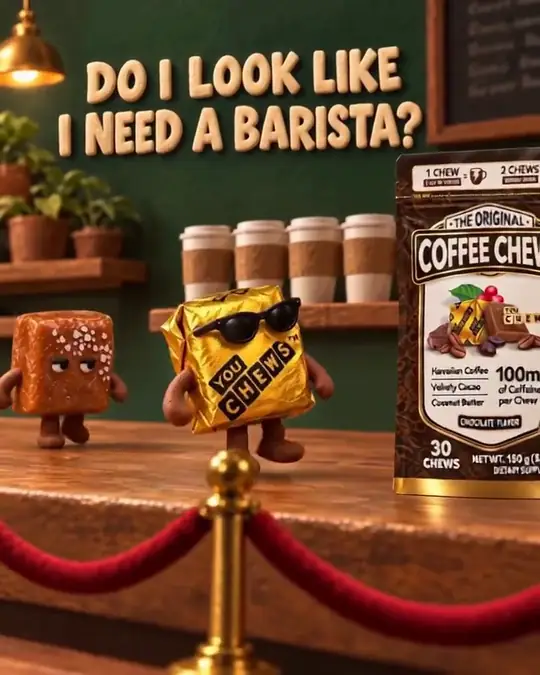 Shot 4
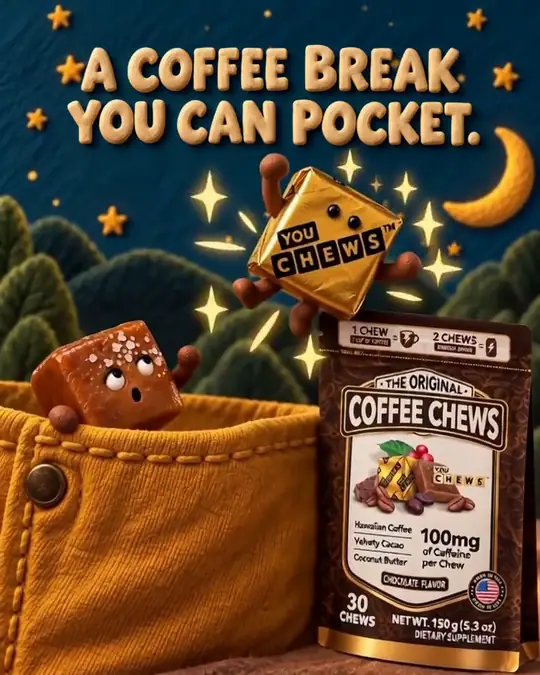 Shot 5
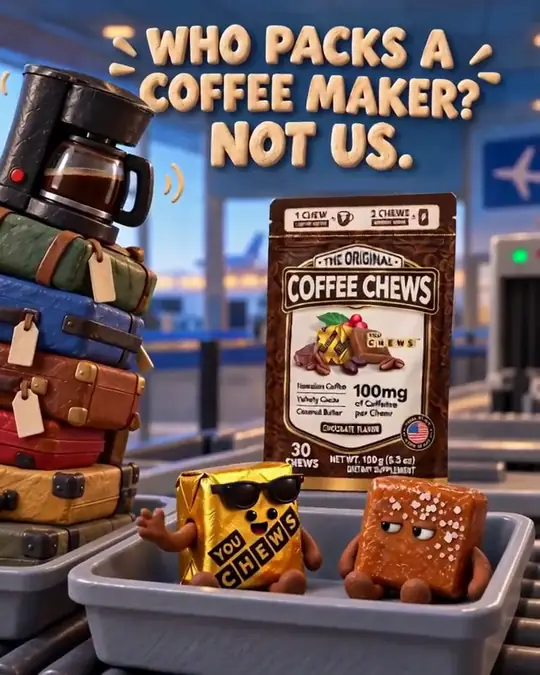 Shot 6
-
03Video from the keyframesShots become clips, then one finished cut.
Final cut · muted · AI-generated
04 Change one keyframe + its videoComing soon Illustration
Tap a preview still to redo just that shot: only its preview and its seconds of video are added.
Pull-by-pull machines re-pay the full length.
1 Continuity = characters, places and looks across shots. 2 Production = the whole story-to-film workflow vs a typical manual multi-tool workflow. Estimated versus a typical multi-tool workflow.
Continuity? We’ve got a guy.
Create an account to join the private beta. Film generation opens to beta teams first.